SnapTask
AI task planner, shipped to Google Play
- role
- Full-stack
- stack
- Expo · React Native · React · Convex · Clerk · Turborepo · Sentry
- status
- Live on Google Play ↗
- year
- 2026
the problem
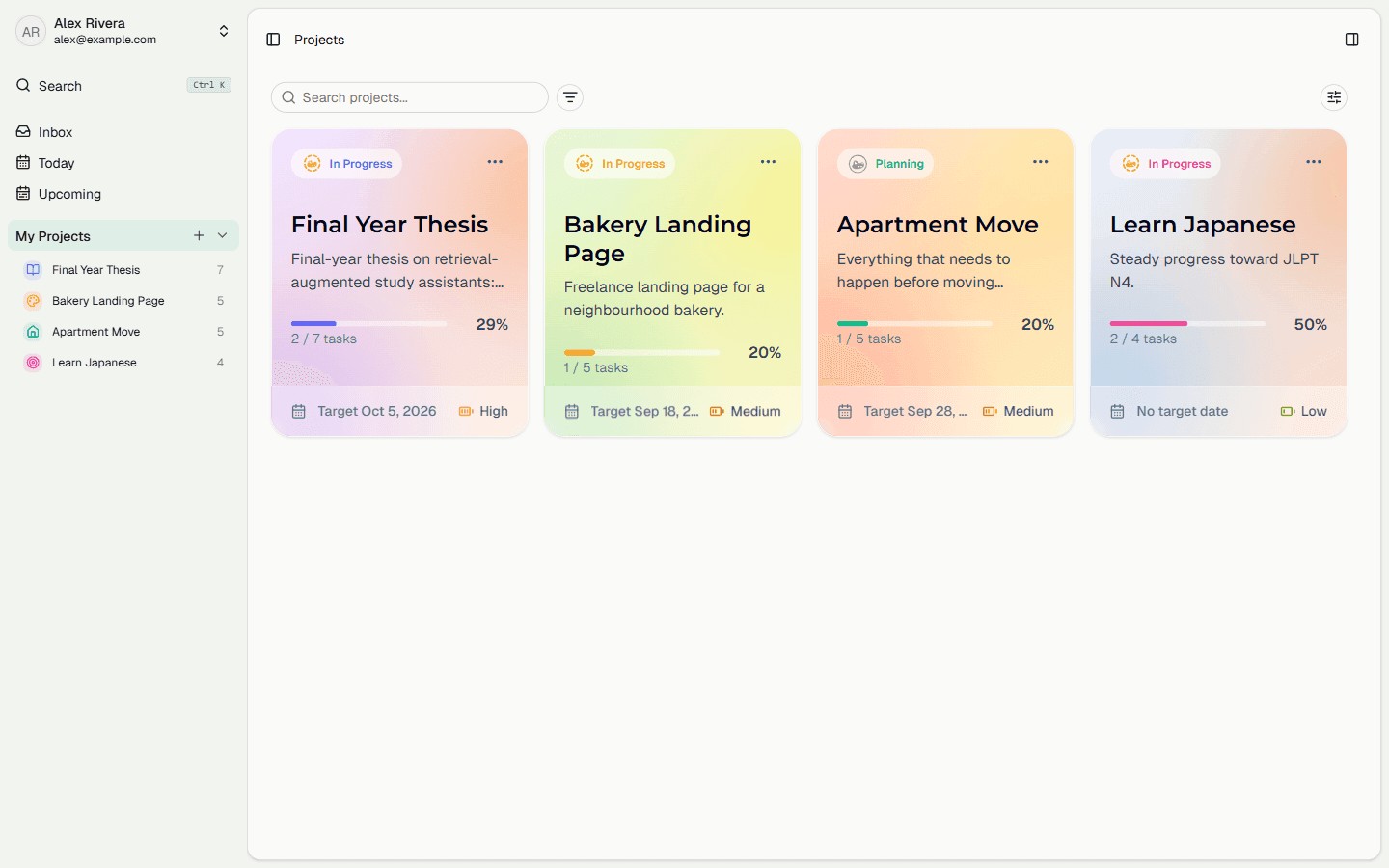
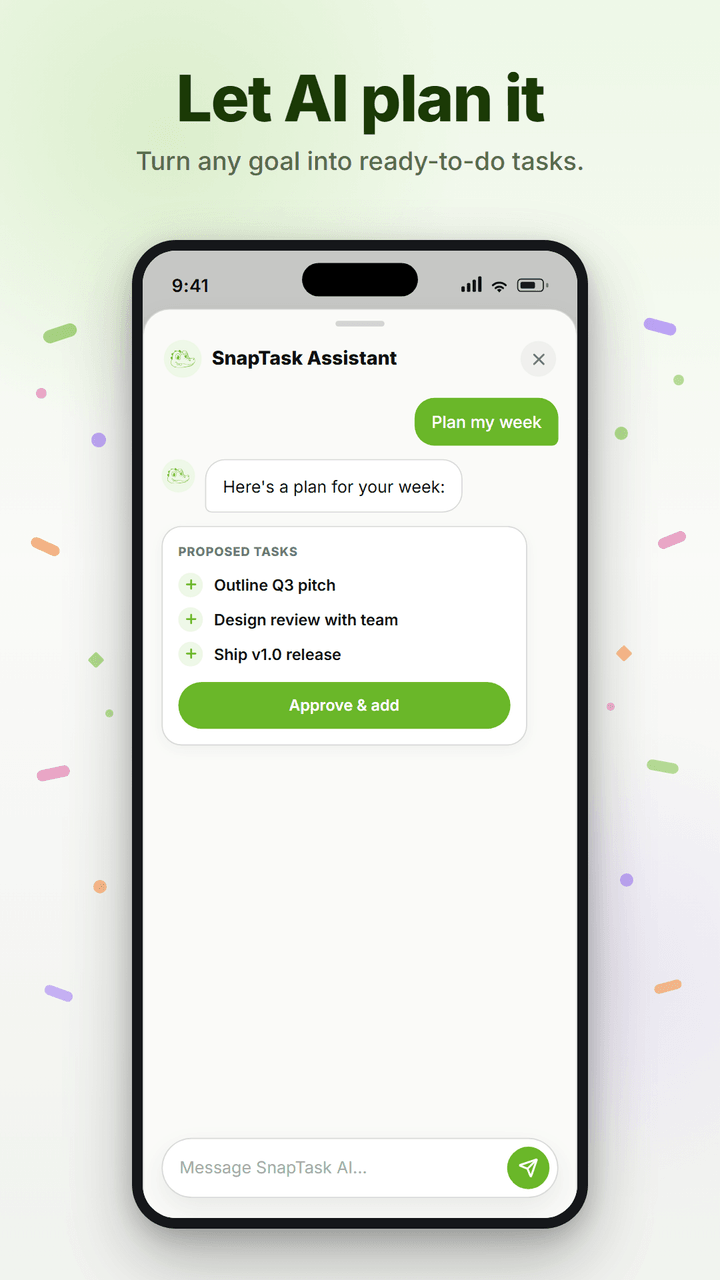
Most task apps assume you already know your next step, but the harder problem is starting. A big, abstract goal is easy to stall on, the analysis paralysis that comes from facing too many unknowns at once, and a plain to-do list or calendar does not help because it still expects you to do the planning yourself. SnapTask treats that planning as the core of the app rather than a feature bolted on the side: you describe a goal in plain language, and an AI planner breaks it into a structured set of tasks you can start on. The reasoning step is the whole point. Without it SnapTask would be another list; with it, the app helps you begin instead of only reminding you to act.
architecture
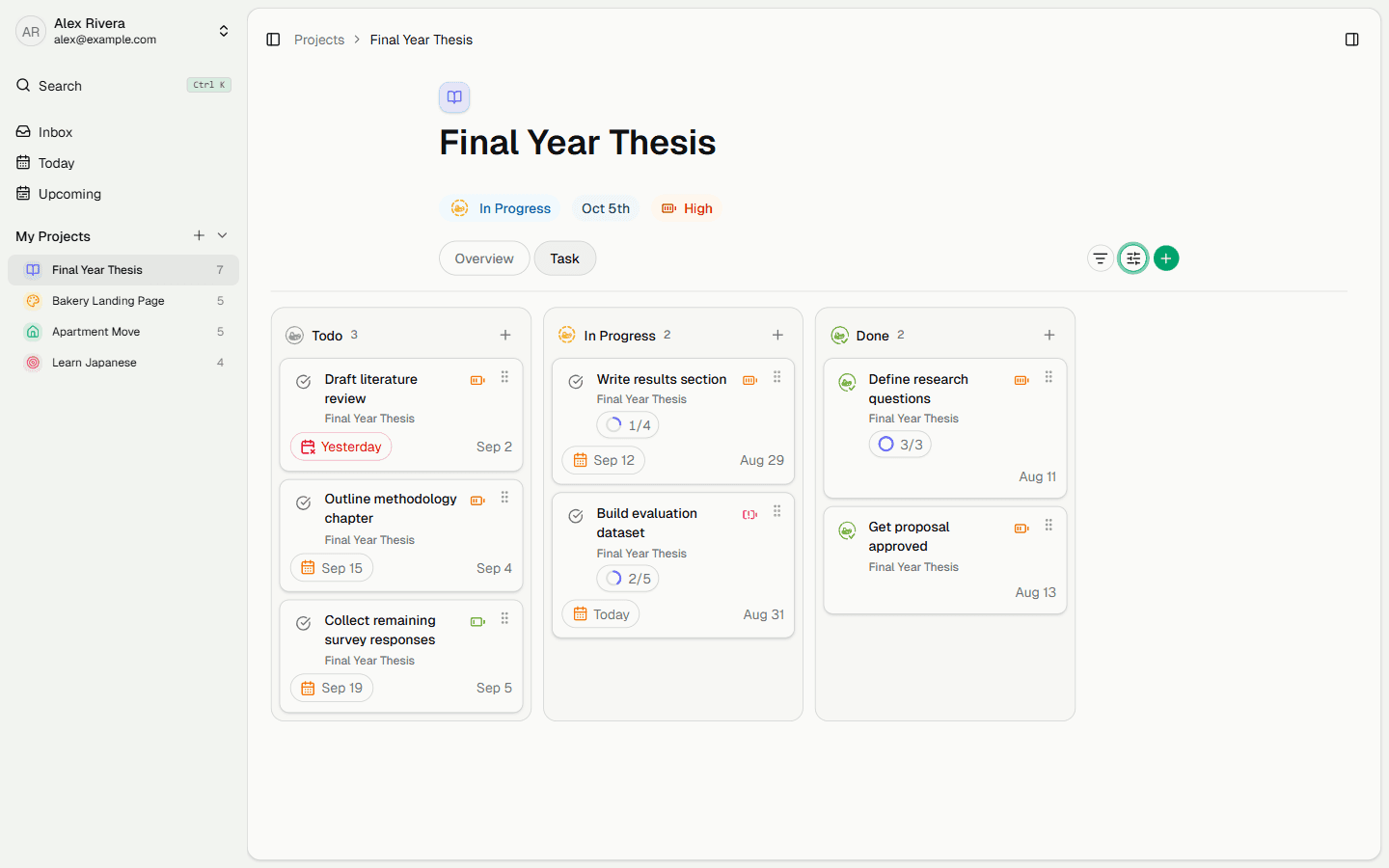
SnapTask is a Turborepo monorepo on pnpm workspaces. Two client surfaces, an Expo React Native app and a Vite React web app, share a single Convex backend package through the workspace protocol, so queries and mutations are written once and consumed by both. Clerk handles authentication across both clients, and Sentry captures errors in production.
the AI layer
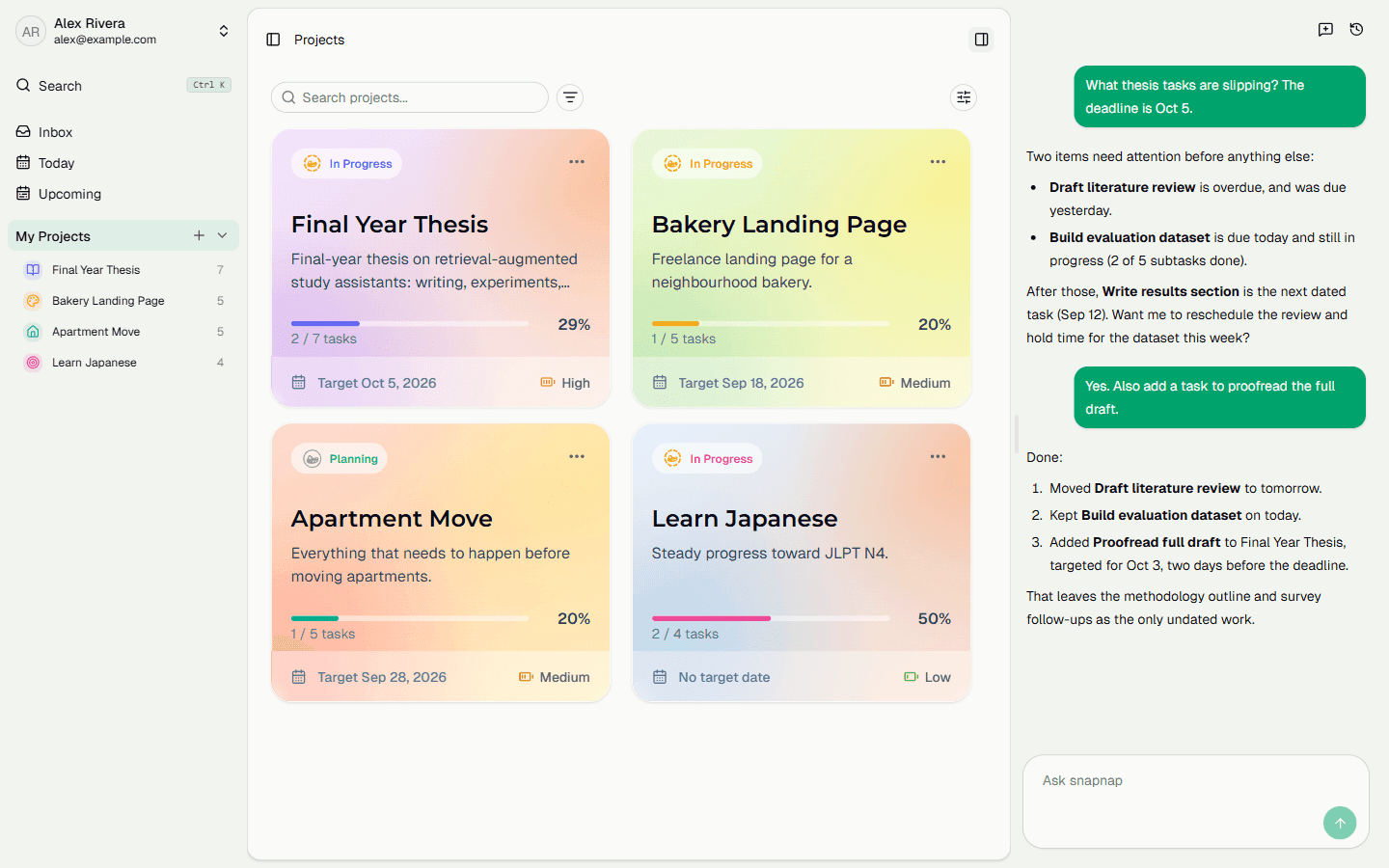
Planning runs through @convex-dev/agent, with @convex-dev/rate-limiter guarding the endpoints it exposes. Keeping the agent inside Convex means it shares the same auth context and data model as the rest of the app rather than sitting behind a separate service.
the mobile app
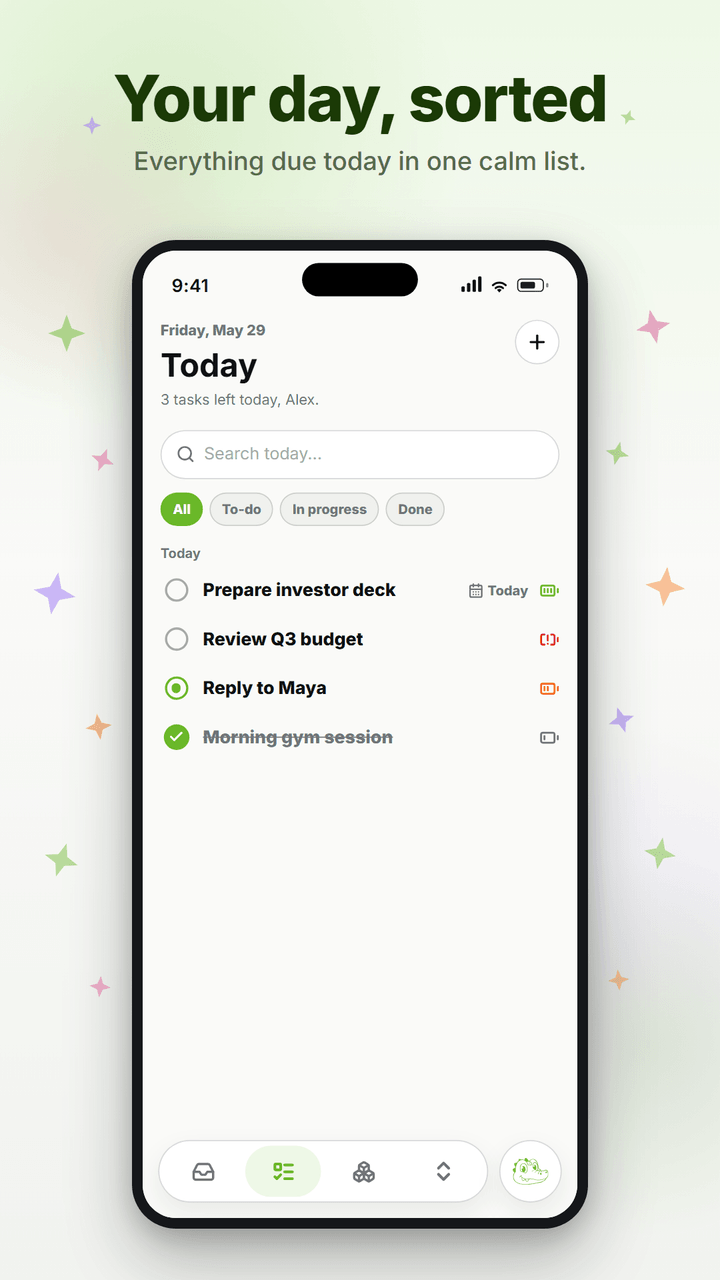
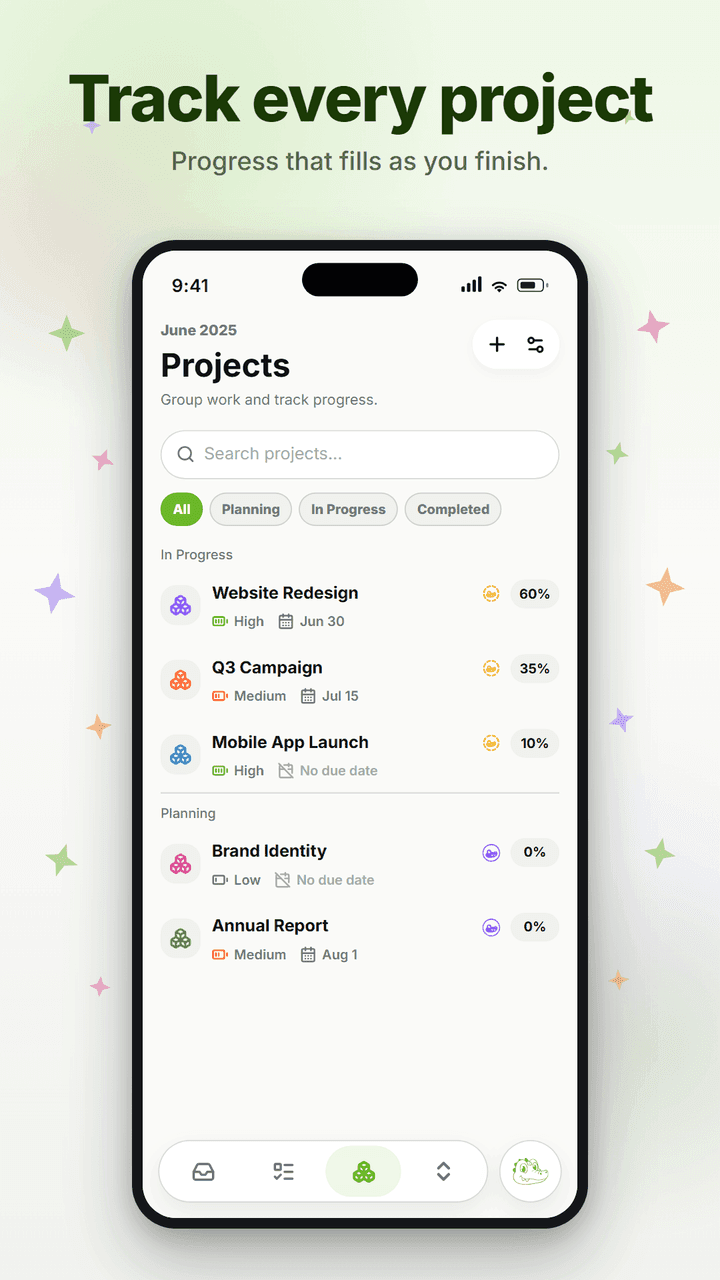
The same Convex backend and AI planner drive an Expo React Native app, published on Google Play. Quick capture, the today list, project progress, and the assistant's plan-and-approve flow are all rebuilt as touch-first native screens.
shipping it
The Android build is published on Google Play. The web client deploys to Cloudflare Workers, configured to expose only the custom domain. Preview URLs are disabled because they fail Clerk's allowed-subdomain check in production.